Home
Home

 Creators
 Search
 Recent
 Random
 Posts
Posts
 DMs
DMs
 Tags
Tags
 Random
 Importer
 Import
 FAQ
FAQ
 Account
 Register
 Login
Login
 Favorites
 Keys
Keys
 Logout

Modpacks for random games (updated on 2025-11-13) (Patreon)
Content
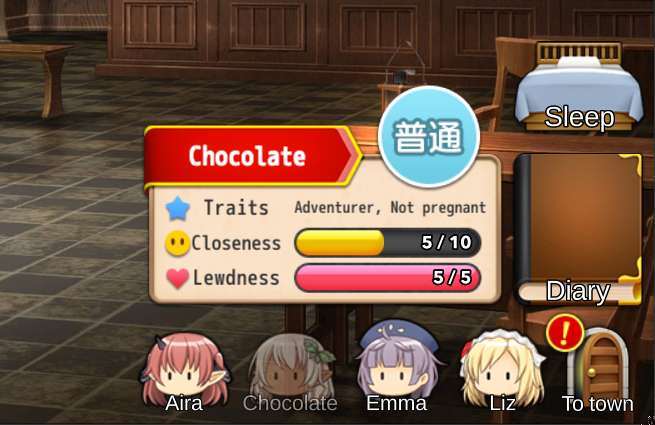
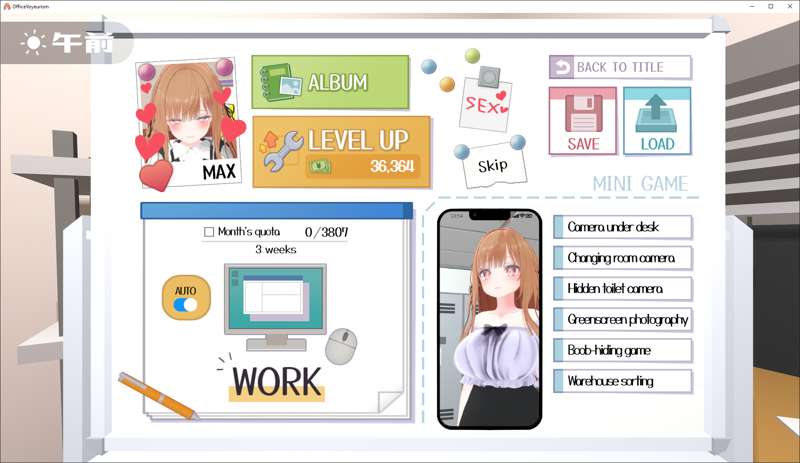
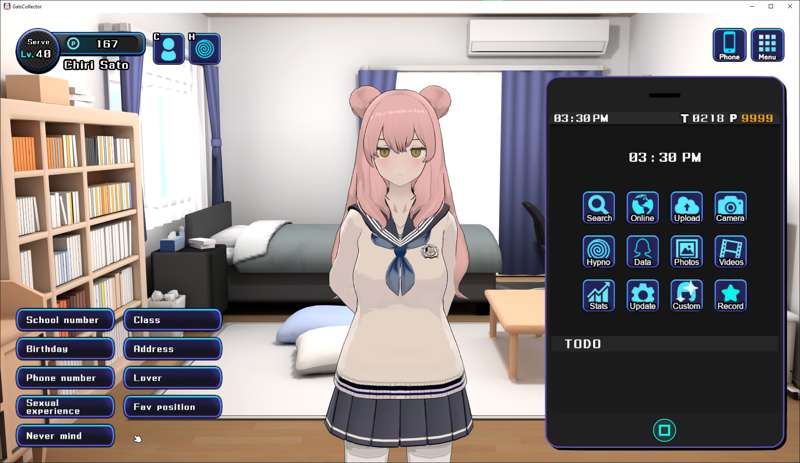
This is a collection of modpacks for random games that didn't become full HF Patches. Most modpacks include a machine English translation (sometimes I hand-translate the UI), and many come with a demosaic (some fully uncensor the game). Some modpacks also come with a full save or a trainer.
Changelog
2025-11-13 - Add 6 new modpacks + 1 updated
2025-10-18 - Add 12 new modpacks + 1 updated
2025-02-13 - Add 2 new modpacks
2024-12-31 - Add 13 new modpacks
2024-10-01 - Add 12 new modpacks
2023-09-27 - Add 23 new modpacks
2023-09-26 - This post was set up
Download the modpacks
You don't have to download everything. Find the modpack for your game and only download that one file.
You can find latest modpacks by clicking the "MODIFIED" column on right to sort everything by date added. Click the arrow to switch the sorting direction.

How to use the modpacks?
Install the game.
Download the modpack for your game.
Extract the modpack directly inside the game's root directory (where the game's .exe file is). Overwrite old files if asked.
Where to get the games?
These packs contain only mods, you need to buy and install the games before applying these modpacks. You can purchase all of these titles on English DLsite. The RJ number in the file names of the modpacks refers to the game's DLsite page (for example RJ01034720), simply open any game page on DLsite, replace the RJ number in the address bar, and hit enter.
I can't link the games directly because that caused issues in the past, sorry.
Warning: Some of the games may be region blocked and will require you to use a Japanese VPN server to see them on DLsite. Once you see them you can purchase them with points.
Note: Some of the games I made modpacks for now have official English translations, if you see one on DLsite then definitely get it over the Japanese version + modpack, since official translations will always be much better than machine translations.
More info
If you have issues with some translations missing or the game crashing whenever untranslated text appears, try to change translation endpoint. Press Alt+0 in-game and look for the Endpoint dropdown. Select something else and see if that helps (this does not work in some games).
Most modpacks are based on BepInEx, which means no game files are modified and all mods can be disabled by removing the BepInEx folder. This also makes the modpacks compatible with DLSite's copy protection, and are unlikely to break when a game is updated.
If the modpack is BepInEx based you should see a console window open together with the game and log messages scroll by. If there's no console, make sure you copied the modpack files to where the game .exe is.
If BepInEx based: Some games might have both 32 and 64bit versions, if you can't see the console then get the correct version of BepInEx here and apply it over the modpack.
A couple of the modpacks are for rpgmaker games and do replace files. In those cases the modpack might only be compatible with one version of the game (game version should be specified in file name of the modpack).
Make sure you are extracting the correct modpack. If you make a mistake and the modpack uses BepInEx then you can just remove the extracted files and the game will be untouched. If the modpack overwrites game files then you'll have to restore the files from a backup or reinstall the game.
Files
Previews only