Home
Home

 Creators
 Search
 Recent
 Random
 Posts
Posts
 DMs
DMs
 Tags
Tags
 Random
 Importer
 Import
 FAQ
FAQ
 Account
 Register
 Login
Login
 Favorites
 Keys
Keys
 Logout

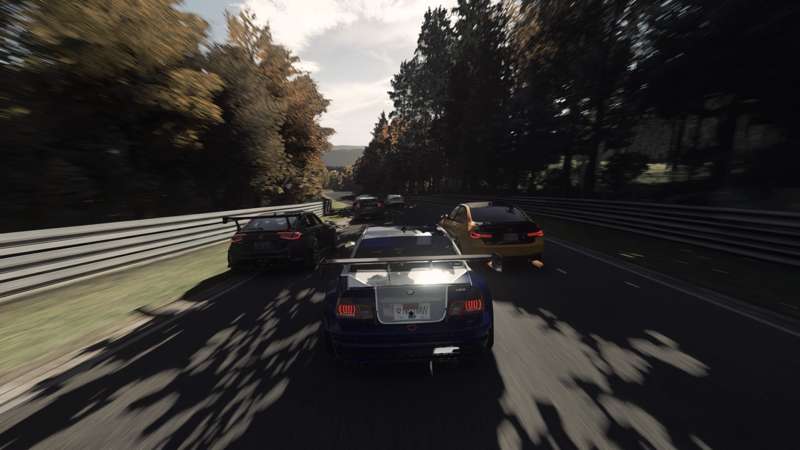
BLOOB Pure Settings for C13 AEGIS 2.04 & 1.89 (Patreon)
Downloads
Missing 4 full-res photos, 1 file.
Content
The latest release of C13 comes with version 2.04 for Pure LCS and 1.89 for Pure Gamma. I've included Pure Scripts & Configs for both in the zip folder below!
HOW TO INSTALL:
Step 1: Copy the "extension" folder to your "assettocorsa" root folder. It is usually C:\Program Files (x86)\Steam\steamapps\common\assettocorsa
Step 2: If you use Pure LCS, load the the "BLOOB - C13 AEGIS 2.04" Pure Config in game by clicking the "Import" button in the Pure Config App.
If you use Pure Gamma load the the "BLOOB - C13 AEGIS 1.89" Pure Config
(Pure Scripts are loaded automatically once you select the PPFilter)
If you need assistance or have suggestions/feedback,
Leave a comment on the #support channel on my discord: https://discord.gg/bhNydpyJFH
Files
Previews only