Home
Home

 Creators
 Search
 Recent
 Random
 Posts
Posts
 DMs
DMs
 Tags
Tags
 Random
 Importer
 Import
 FAQ
FAQ
 Account
 Register
 Login
Login
 Favorites
 Keys
Keys
 Logout

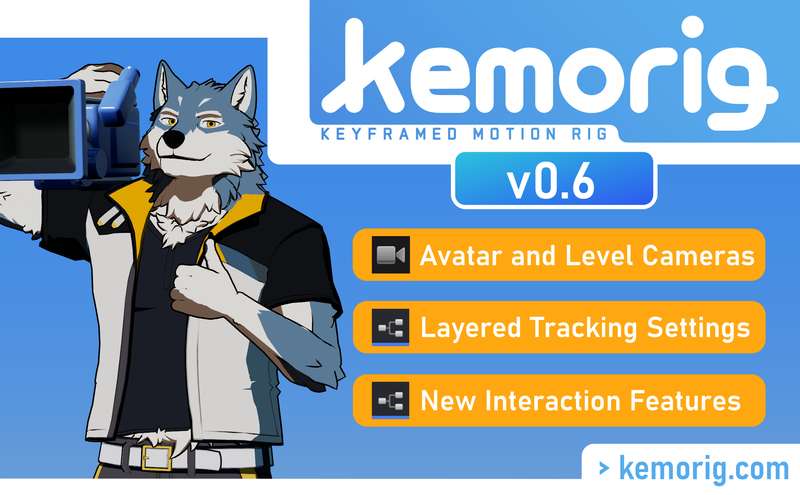
kemorig v0.6 release (Patreon)
Content
An overhaul of the camera system for avatars and levels! Plus, a whole bunch of minor features and clean-up for the new year.
Much of this update was driven by the pain-points I've experienced building my own avatar. For example, nice camera transitions per-stance used to take a lot of Blueprint script -- now it's supported out of the box!
Also, Base-Kun has new features to use as reference, including Camera Positions placed inside the Avatar Blueprint.
New Features
Camera System Overhaul
Avatar Stances and Interactions can now set the camera to a given Camera Position in an avatar or level.
New transition system for Camera Positions. Camera Positions can set transitions in and out. Blueprint functions can override those transitions.
New Component version of Camera Positions that can be placed inside of Avatar Blueprints.
New Blueprint function suite for manipulating the camera (SetCameraPosition, SetCameraPositionComponent, SetManualCameraPosition, and SetDefaultCameraPosition).
Priority system for Tracking Settings and Camera Positions
Stance Groups and Interactions can be given a priority, which is used for stacking Tracking Setting and Camera Position settings.
Higher priority Stances/Interactions will override lower priority ones. If a higher priority one stops overriding Tracking Settings or Camera Position, the next-highest one will automatically go back into effect.
When overriding Tracking Settings, overrides per-category will now layer independently. This means a higher priority source can override only some categories of Tracking Settings, and lower priority settings in other categories stay in effect.
Object Launcher
The included Object Launcher now has a Component that can be placed inside of Avatar Blueprints.
Added various new options especially to support impact sounds.
Properties are organized better and are easier to setup.
Stances
New option to flag a Stance as the 'Off' Stance of the group.
New option to automatically go to the group's 'Off' Stance when re-entering a Stance.
Multi-Interactions
Added AutoToggleOffLastSubInteraction option. If true, when a sub interaction is triggered, the previous sub interaction will automatically be toggled-off (if they are a toggle interaction)
Changes
Changed example level folder names to match the level names. The 2 example levels are "KemorigDefaultLevel" and "KemorigDay".
KemorigDefaultLevel's invisible floor is now less-ugly in the editor.
Removed "AddToggleOffInteractionToList" option for Multi-Interactions. Was a poorly thought-out feature.
Fixed various bugs/unintuitive behavior with Multi-Interactions.
Bug Fixes
Fixed blueprint camera position blending preventing the user from manually moving the camera.
Fixed KemorigLevelBlueprint not allowing you to create a child class of it in the editor.
Fixed various warnings that would output in the editor.
Documentation
As part of this update, I've been doing a ton of catch-up on updating the documentation. In the coming days there will be updates to the kemorig.com docs:
Many new pages, and overhauls of existing pages
Added Level Authoring section with information on creating custom Levels and Level Blueprints.
Added Avatar Blueprints page with information on writing custom blueprint logic.
Improved the Blender Help section, with more accurate information and links to the PROTO Game Asset Tools add-on.
Quick-Start Guide updated with the current version of the app with Base-Kun.
------------------------------------
DOWNLOAD LINK - password is "layers" (no quotes)
CUSTOM CONTENT NEEDS TO BE RE-EXPORTED TO WORK IN v0.6
Files
Previews only