Home
Home

 Creators
 Search
 Recent
 Random
 Posts
Posts
 DMs
DMs
 Tags
Tags
 Random
 Importer
 Import
 FAQ
FAQ
 Account
 Register
 Login
Login
 Favorites
 Keys
Keys
 Logout

kemorig v0.7 Release - Hand Tracking! (Patreon)
Content
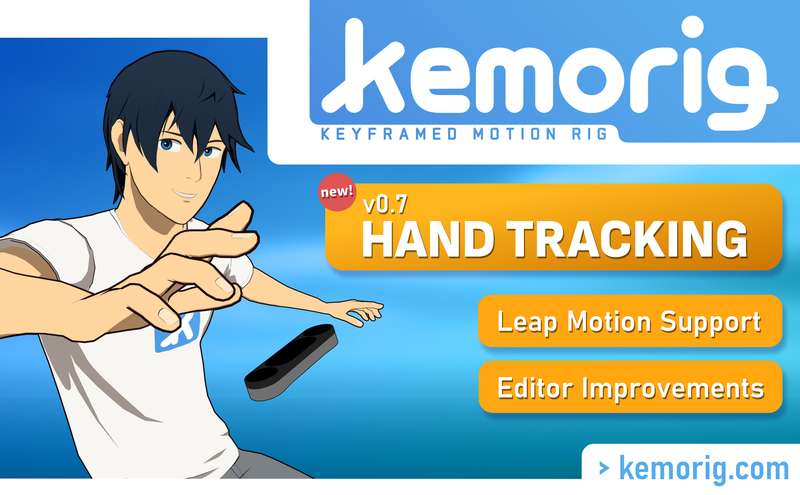
Hand Tracking is here!
With this release of kemorig, you can now use any Ultraleap device to track your hands. This is a big milestone, and it'll help take your avatars to the next level.
But that's not all! The update brings more quality of life, with the live app being better at remembering your last-set devices, and the editor now saving your testing settings.
New Features
Leap Hand Tracking
Supports any Ultraleap hand tracking device, such as the Leap Motion 1 and 2 ( https://www.ultraleap.com/ )
Hand Tracking is relative to a bone you define on your avatar, making it work in any pose.
New menus in kemorig for positioning your hand tracking device around your avatar
Tracking Settings have options to let you blend Hand and Finger Tracking in or out independently. You can also set Hand Tracking to use an IK Pole Target bone if you need precise elbow placement.
New documentation for setting up Hand Tracking is here.
Remembering last-set devices
kemorig is now much better at remembering your last-set tracking devices. Upon starting, it will keep refreshing to find the last device(s) you had set. No more having to re-set your iPhone each time you stream.
Editor Saves Settings
The editor will now save (to .ini file) your testing settings. You will no longer have to re-set tracking modes or devices between testing.
Changes
Various minor changes to editor field names and tooltips for better clarity.
------------------------------------
DOWNLOAD LINK - password is "wave" (no quotes)
CUSTOM CONTENT NEEDS TO BE RE-EXPORTED TO WORK IN v0.7
Files
Previews only